Check sheets (ITRs)
Digital check sheets and ITRs, filled in on a phone
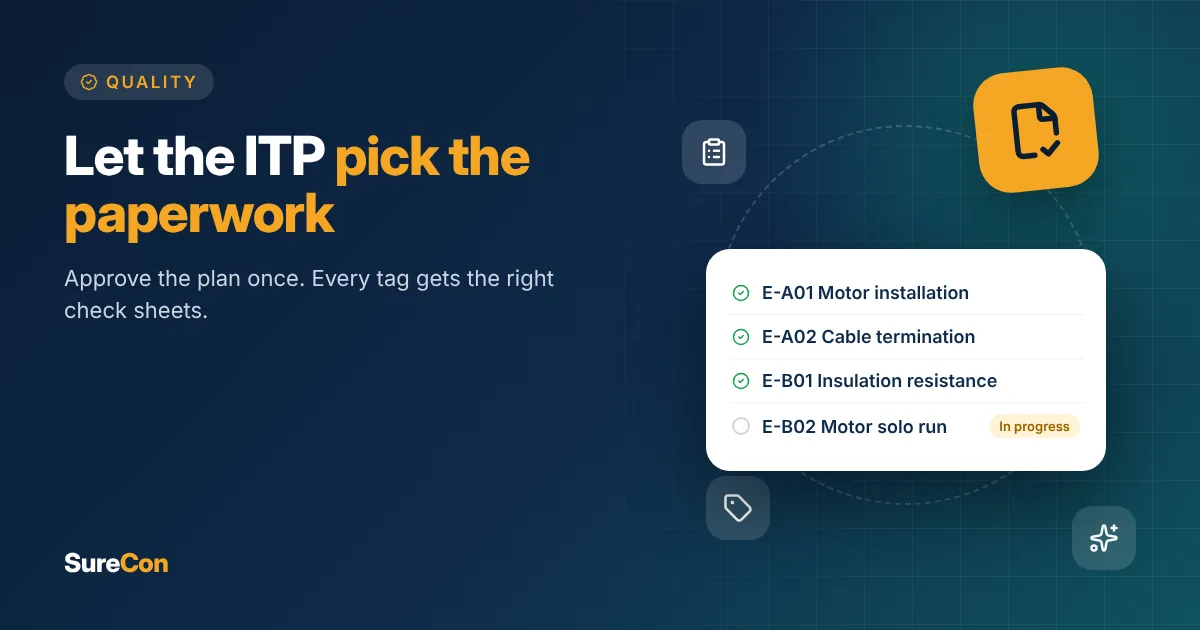
Import your tag register and every tag gets the check sheets its type needs: A for construction, B for pre-commissioning, C for commissioning. Technicians fill them in on a phone, readings are checked against the acceptance limits, and nothing can be signed while a line fails.
Free forever · No credit card · Unlimited users

What you get
Generated for you
Check sheets come from templates matched to each tag type, or from the records named in your approved ITPs.
Readings checked
Enter a reading and SureCon checks it against the acceptance limits straight away.
Sign and verify
The technician signs; an inspector verifies or reopens. A failed line blocks signing.
Your own templates
Start from the standard library for electrical, instrumentation, mechanical, piping, HVAC, civil, structural and telecom, then edit.
Edit with AI
Describe a change ("add an insulation resistance test at 1000 V") and AI updates the template lines for you to check.
Progress per tag
Each tag shows its A/B/C progress, and subsystems roll up for the certificates.
How it works
- 1
Import tags
Upload the tag register as CSV: tag, type and subsystem.
- 2
Sheets appear
Each tag gets its check sheets from the matching templates.
- 3
Fill on site
Pass / fail / N/A per line, with readings and comments.
- 4
Sign & verify
Signed sheets count towards MC, RFC and RFSU.
Questions
What is an ITR?
An inspection and test record (ITR), often called a check sheet, is the form that proves a tag was installed and tested correctly. A-sheets cover construction, B-sheets pre-commissioning and C-sheets commissioning.
Can I use my own check sheet formats?
Yes. Edit the standard templates or create your own, line by line, with acceptance limits where a reading is needed.
Who can sign a check sheet?
Admins and inspectors, and contractors for their own company's sheets. Inspectors verify or reopen signed sheets.