AI assistant
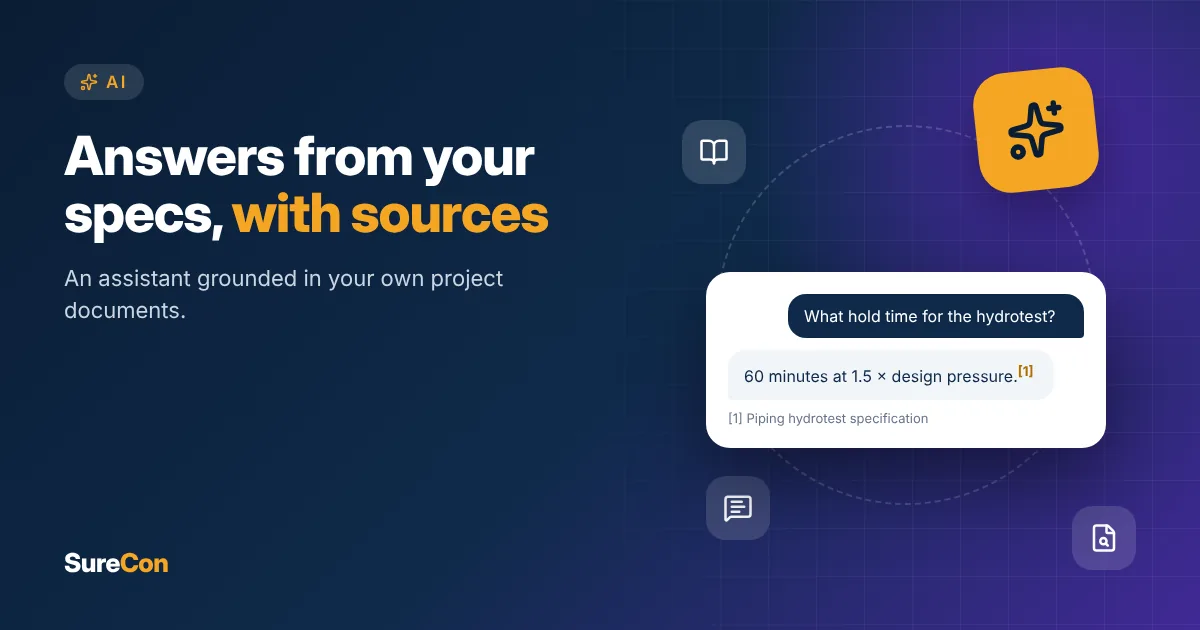
Ask your project's specs and procedures, and get answers with sources
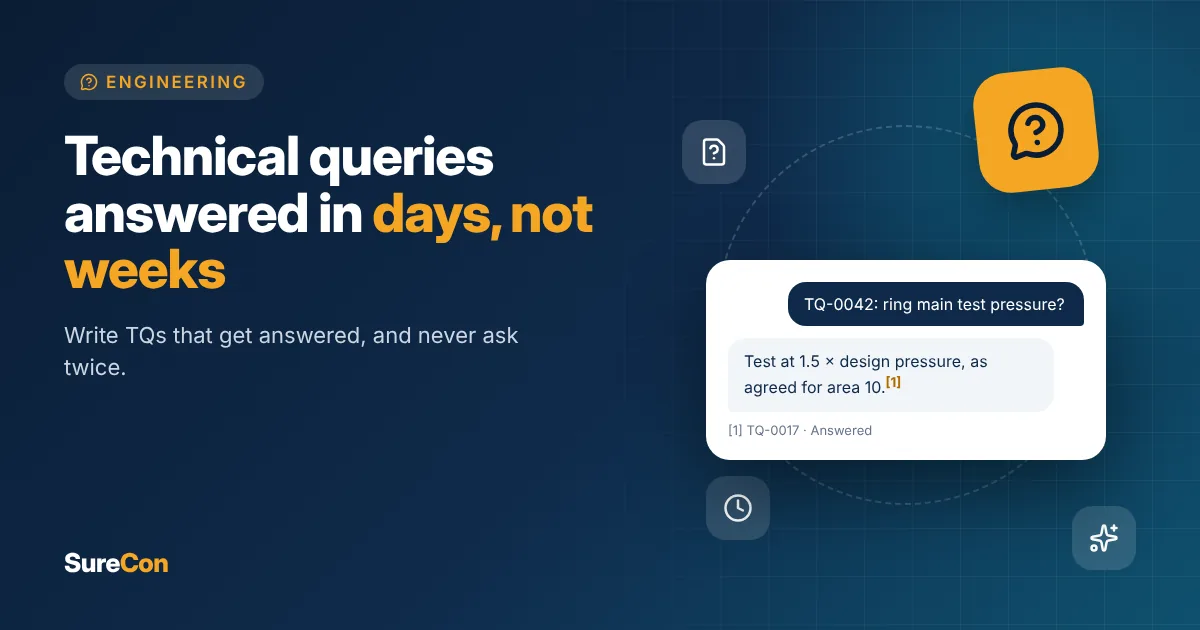
Switch documents on for AI in the knowledge library and ask questions in plain language. Answers come only from your project's documents and earlier TQ answers, with numbered sources you can open. Use the free built-in model or connect your own AI account.
Free forever · No credit card · Unlimited users
What you get
Answers with sources
Every answer cites the documents it came from, so engineers can check it.
Your project only
Search only reads the current project's switched-on documents.
Not used for training
Answers are built at question time; nothing is used to train or fine-tune models.
Writing help
Make text concise or professional, fix grammar, explain or summarise, on any text box.
Voice on site
Say the punch item and AI fills in the form, matched to your project's names.
Bring your own model
Use the free built-in model, or connect Anthropic, OpenAI, Gemini or OpenRouter.
How it works
- 1
Upload
PDF, Word, Excel or text files go into the knowledge library.
- 2
Switch on
Choose which documents AI may use.
- 3
Ask
Ask in plain language from the office or site.
- 4
Check
Open the numbered sources behind every answer.
Questions
Does SureCon train AI on our documents?
No. Answers are built by looking up the documents you switched on at question time. Nothing is used to train or fine-tune models.
Is the AI free?
Yes, the built-in model is free. You can also connect your own AI provider, which bills you directly.
Which files can I upload?
PDF, Word, Excel and plain text, or paste text directly.