Progress tracking
Installation progress by the metre, with weighted rules of credit
Import your engineering schedules from CSV and SureCon tracks every cable, line and piece of equipment through its weighted steps: pulled, terminated, tested. Progress rolls up by quantity, by discipline, schedule and subsystem, so you report what's really built.
Free forever · No credit card · Unlimited users
What you get
Six schedule types
Cable, raceway, piping lines, HVAC duct, mechanical equipment and instruments.
Rules of credit
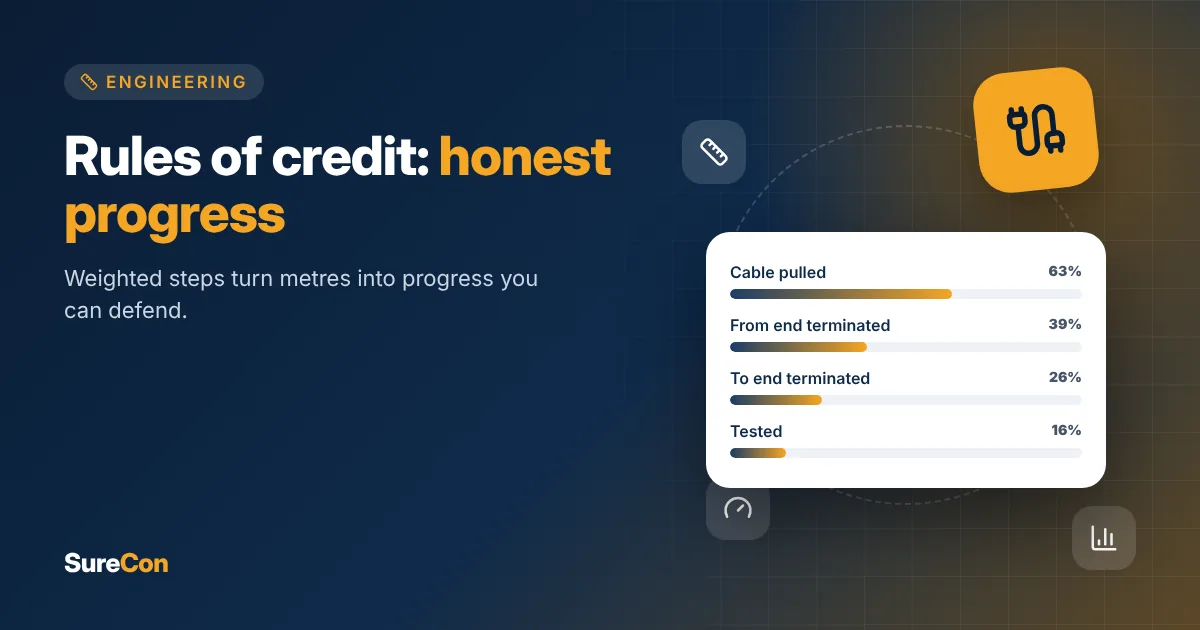
Each step carries a weight; for cable, pulled 40 %, each end terminated 20 %, tested 20 %.
Quantity-weighted
A 300 m cable counts for more than a 3 m one, so the percentage means something.
Bulk updates
Select rows, mark a step done, and the progress updates.
Re-import safely
Re-importing updates rows by reference; columns named after a step import progress too.
Zoom in
Move from the whole project to a system, subsystem or single tag.
How it works
- 1
Import
Upload each schedule as CSV.
- 2
Report
Mark steps done as the work happens.
- 3
Roll up
See progress by discipline, schedule and subsystem.
- 4
Hand over
Installation progress feeds the subsystem table and dashboard.
Questions
What are rules of credit?
Rules of credit split an activity into weighted steps, so partial work earns partial progress. For example, a cable might earn 40 % when pulled, 20 % for each end terminated and 20 % when tested.
Can I change the weights?
SureCon ships with standard weights per schedule type. Contact us if your contract uses different ones.
Which file format do I need?
CSV, with a reference column and your quantities. Columns named after a step import that step's progress.