Permits & LOTO
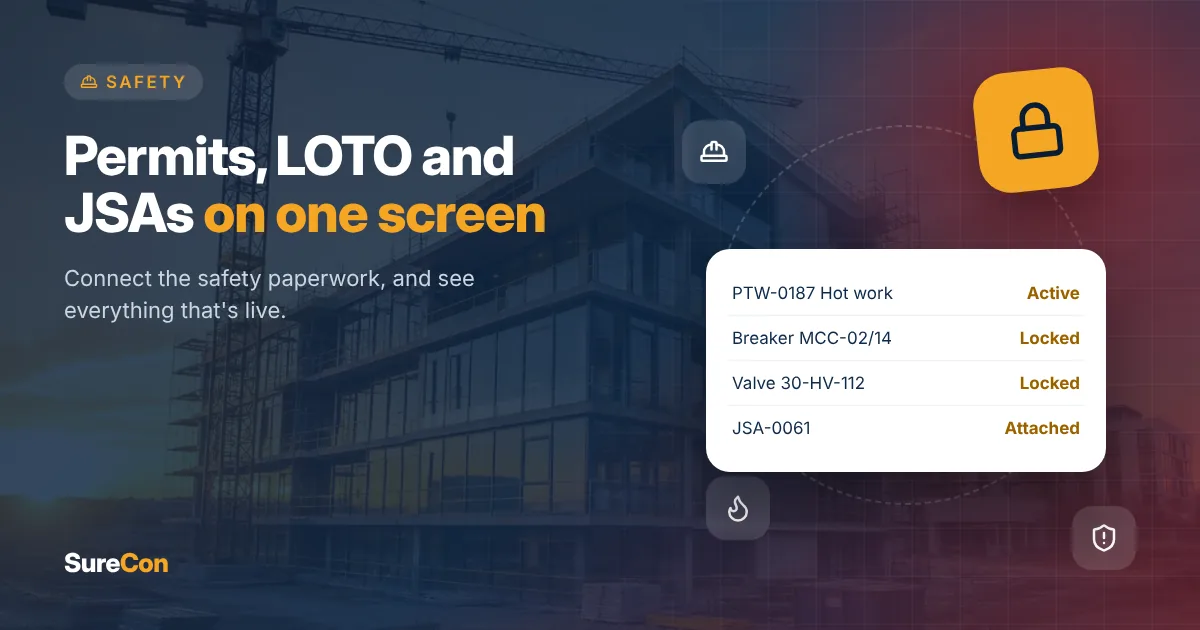
Permits to work, isolations and JSAs on one screen
Every permit, isolation and job safety analysis lives in one numbered register with its own workflow. The supervisor sees what's live today, who holds which isolation and what's overdue, without walking to the permit office.
Free forever · No credit card · Unlimited users
What you get
Permits to work
Hot work, confined space, electrical and work at height, with validity dates, hazards, controls and gas tests.
Lock-out / tag-out
Energy sources, isolation points, locks, verification and removal, with the permit reference.
JSAs, FLHAs, risk assessments
Risk scored by likelihood × severity, kept next to the permits they support.
Observations & incidents
Unsafe acts and conditions, near misses and incidents, with the immediate action taken.
Your workflow
Admins change statuses, steps, fields and who can approve, without code.
On the dashboard
Live permits, open incidents and overdue actions sit next to progress and quality.
How it works
- 1
Request
The crew requests the permit with hazards, controls and the JSA.
- 2
Isolate
Isolations are applied, recorded and verified.
- 3
Approve & work
The permit is approved and live on the board.
- 4
Close
Work is closed out and isolations removed in order.
Questions
What is a permit to work?
A permit to work is a written authorisation for high-risk work, such as hot work or confined space entry, that sets out the hazards, controls and isolations and who has approved the job.
Can we use our own permit types and approval steps?
Yes. Each project's admins can rename statuses, add steps and fields, and choose who approves, under Setup → Workflows.
Is it suitable for contractors?
Yes. Every contractor can be invited for free, and each person sees what their role allows.