
Engineering
Technical queries: getting answers in days, not weeks
A stalled technical query (TQ, or RFI) can hold up a whole work front. How to write TQs that get answered quickly, track them properly, and stop asking the same question twice.
· 5 min read
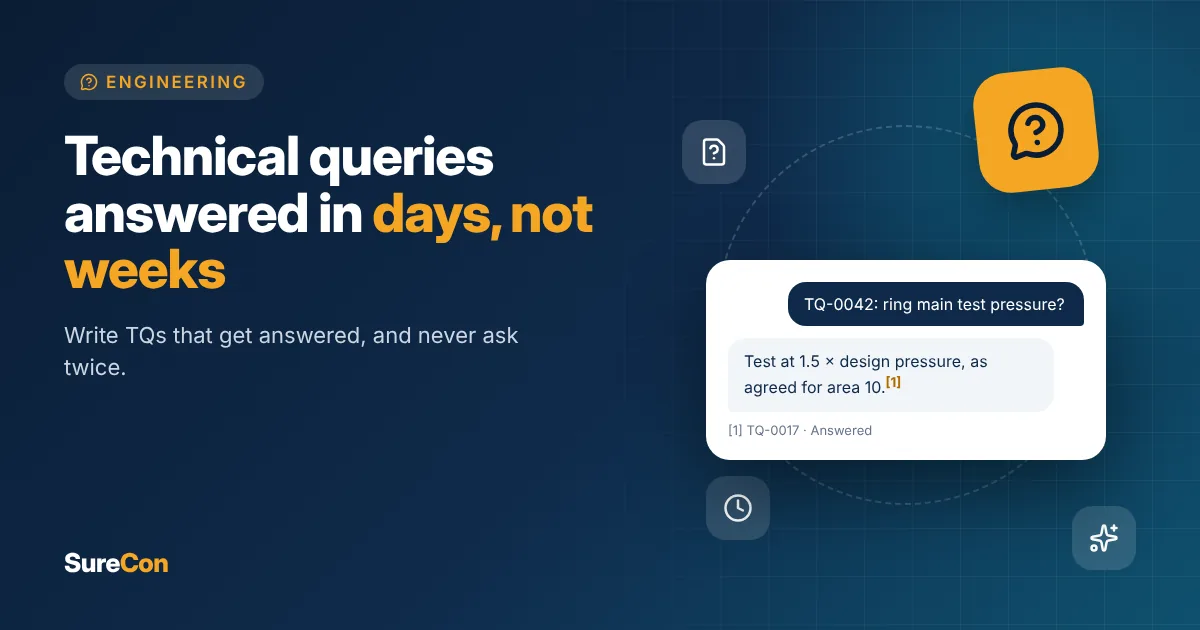
When a drawing doesn't match the site, or two specifications disagree, someone raises a technical query. Then the work waits. On many projects the average TQ takes weeks to close, and a surprising number are questions that were already answered on another area or another project.
Write TQs that can be answered
- One question per TQ. Bundled questions get partial answers.
- Say what you found, where, and on which drawing or document revision.
- Propose a solution. Reviewers answer “yes, do that” far faster than an open question.
- Attach a photo or a marked-up drawing.
- Say what's waiting on the answer, so it can be prioritised.
Stop asking the same question twice
Answered TQs are some of the most valuable knowledge a project produces. Make them searchable, and check them before raising a new one.
How SureCon helps
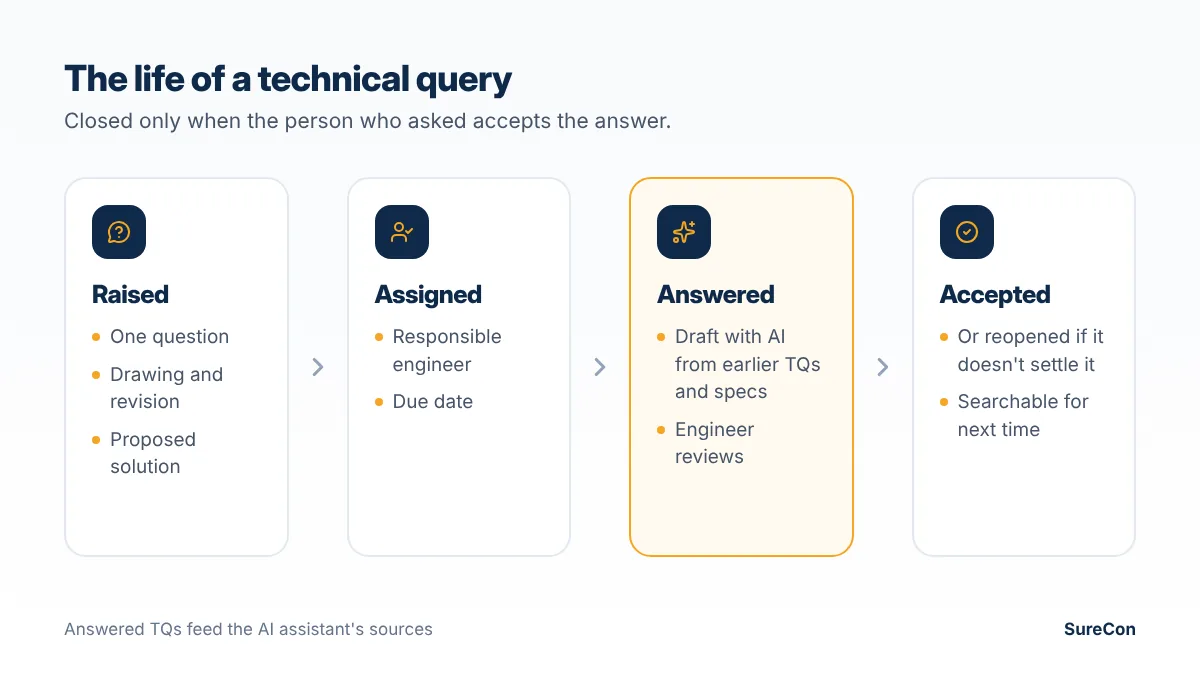
TQs in SureCon are numbered, linked to tags, subsystems and documents, and move from raised to answered to accepted, or back again. Engineers can press Draft with AI to get a first response based on earlier answers, specifications and codes, with numbered sources to check before sending. And the AI assistant searches answered TQs whenever anyone asks a question.