
Engineering
Managing drawings and documents online: a field team's guide
How to make sure everyone on site works from the current drawing, finds documents in seconds and stops printing sets that are out of date by Friday.
· 6 min read
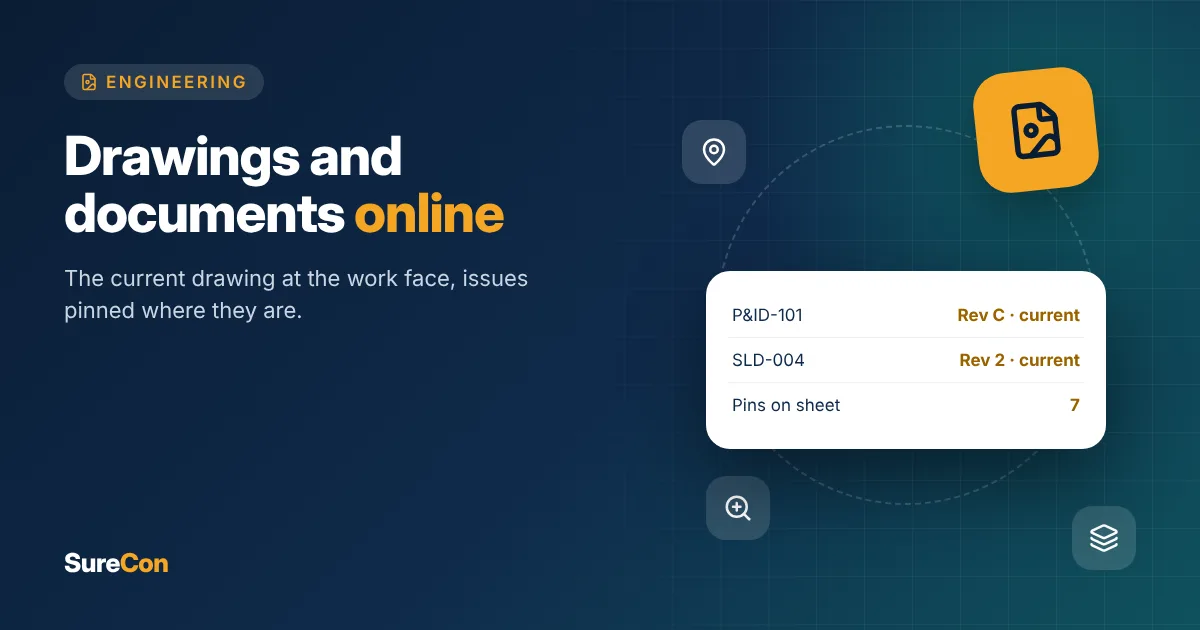
Ask any site manager about rework and you'll hear the same story: someone built from a drawing that had already been revised. Printed drawing sets go out of date the day a new revision is issued, and nobody can be sure which copy in the site office is current.
One register, one current revision
Every drawing and document belongs in a register with its number, title, discipline and full revision history. The rule that matters most: when anyone opens a document, they see the current revision by default. Older revisions stay available for comparison, but they're clearly marked as superseded.
Drawings on the phone, at the work face
Field crews shouldn't have to walk back to the site office to check a dimension. A drawing viewer on a phone or tablet, with zoom and multi-sheet navigation, puts the current revision in the hands of the person doing the work.
Pin issues where they are
A punch item that says “north side, near the pump” takes a while to find. One pinned on the drawing at the exact spot takes seconds. Pins also give everyone a visual picture of where problems are clustering, which a list never does.
Transmittals and reviews in the same place
- Log every revision on a transmittal so you can prove what was issued, when and why.
- Track review codes and comments against each revision.
- See at a glance which documents are waiting for review and which are overdue.
Search beats folders
Folder structures depend on everyone filing the same way. Search by number, title or tag finds the document regardless of where it lives. Linking documents to tags means opening a pump's record shows every drawing and datasheet that mentions it.
In SureCon, document control, the drawing viewer and pins all work from the same register. The current revision is always the default; picking an older one shows a red warning, and old PDFs are stamped SUPERSEDED on every page.