
Quality & safety
Control changes with management of change (MOC)
Record what changes and why, get it approved, and make sure every affected tag and document is updated.
4 min Anyone can raise a change; admins approve or reject; staff mark it implemented.
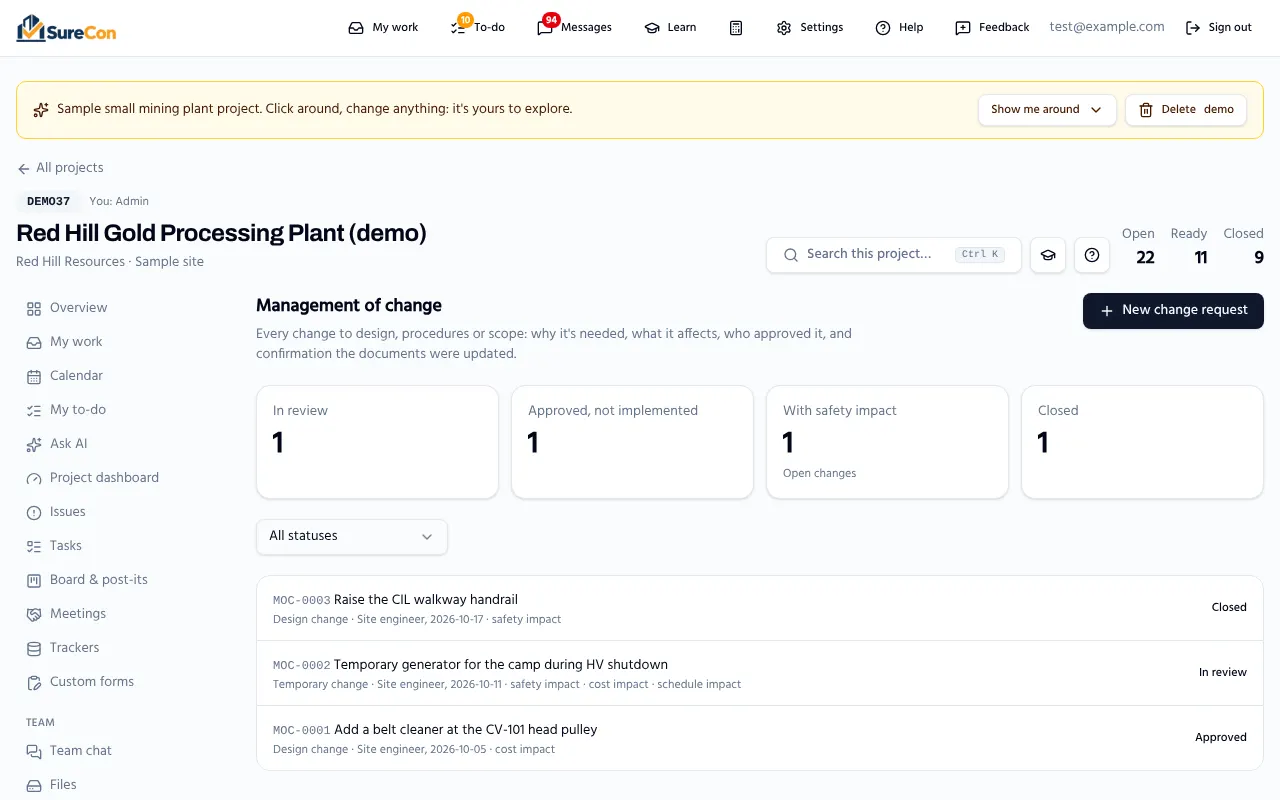
- 1
Raise a change request
Engineering & documents → Management of change → New change request. Give it a title and type, then describe what changes and why.
- 2
Mark the impact
Tick safety, cost or schedule where they apply and add a note. Changes with safety impact are counted separately so they get attention first.
- 3
List what it affects
Add the subsystems and tags affected and the documents that must be updated. This becomes the checklist for closing it.
- 4
Review and approve
The change moves from draft to in review. An admin approves it, or rejects it with a comment saying why.
- 5
Implement and close
When the work and document updates are done, mark it implemented, then closed. Approved, not implemented shows what still needs doing.