
Quality & safety
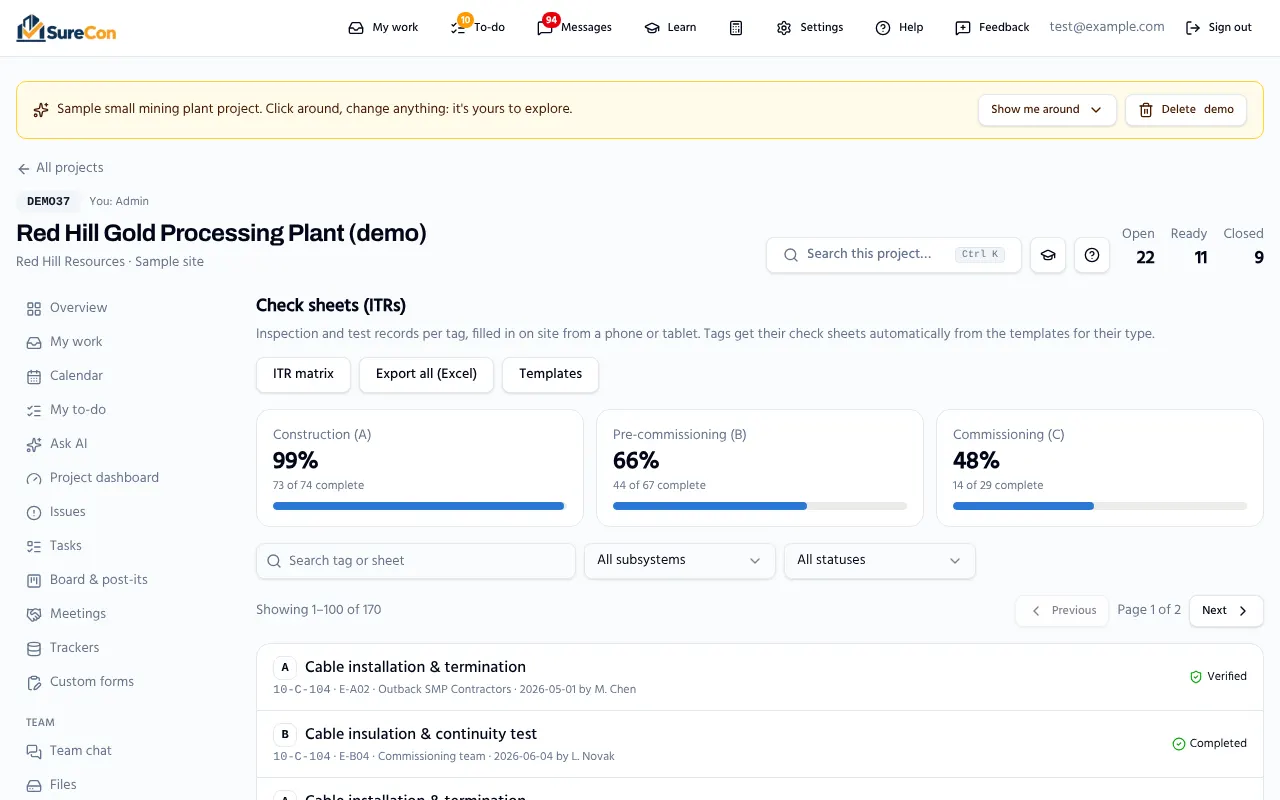
Fill in and sign check sheets
Complete ITRs on a phone, with readings checked against limits.
4 min
- 1
Find the sheet
Check sheets lists every sheet; filter by subsystem, phase or status. Or open a tag and pick its sheet.
- 2
Fill it in
Mark each line pass, fail or N/A and enter readings. Readings outside the limits count as a fail.
- 3
Sign
Sign when every line passes. A failing line blocks signing: raise a punch item or NCR, fix it and re-test.
- 4
Verify
An inspector verifies the sheet or reopens it with a comment. Verified sheets count towards the certificates.