
Handover
Plan and record commissioning activities
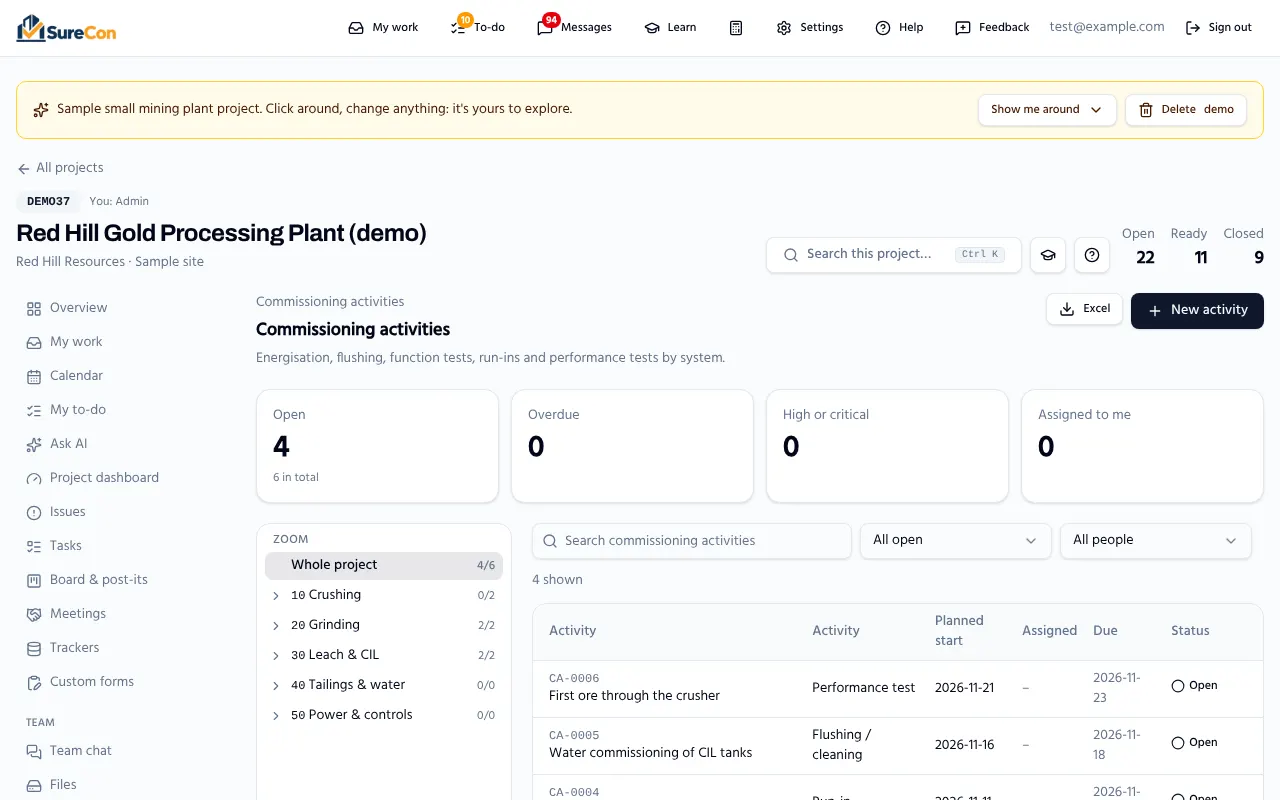
Keep a register of commissioning activities per system, with procedures, planned dates and results.
3 min
- 1
Open the register
Turnover → Commissioning in the project menu (switch the Commissioning module on in Setup if you don't see it).
- 2
Add activities
Add each activity with its procedure number, subsystem and planned start: loop checks, motor runs, flushing, function tests, performance tests.
- 3
Check readiness first
Before an activity starts, check the subsystem's mechanical completion certificate, open A punches and preservation status on its page.
- 4
Record the result
Write the result and remarks, attach the signed test record, and update the status. Raise punches for anything found.