
Training
Setting up completions on a new project: a step-by-step guide
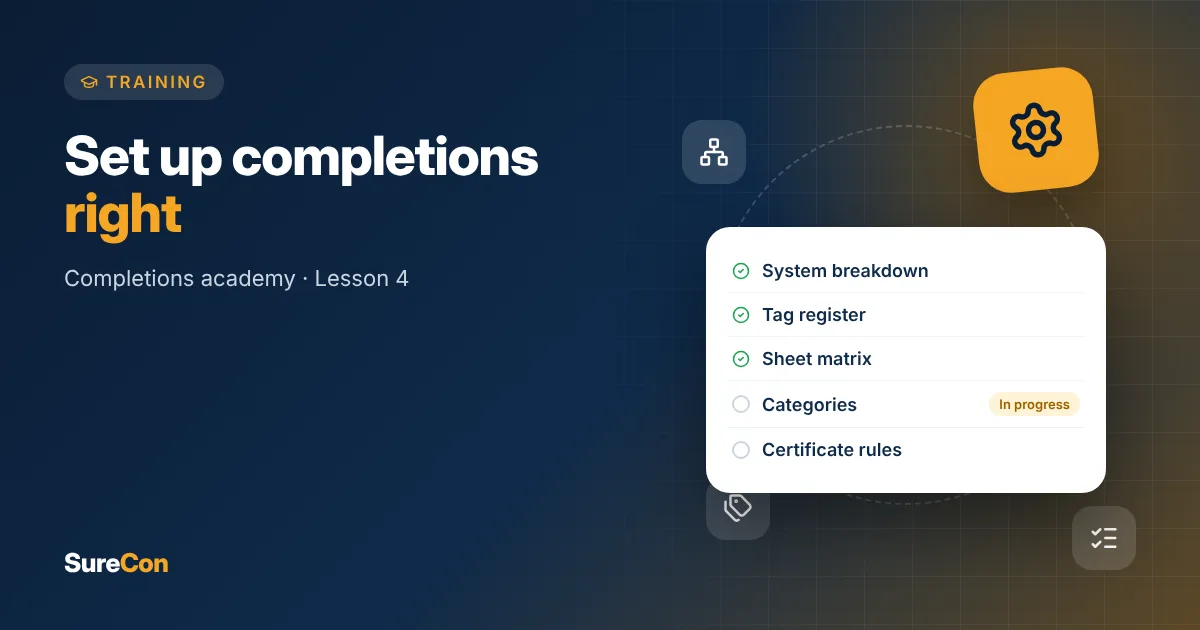
System breakdown, tag register, check sheet matrix, punch categories and certificate rules. Get these right in the first weeks and the rest of the project runs on rails.
· 9 min read
The quality of a project's completions is mostly decided in its first month. A clean system breakdown and tag register make everything later easy. A rushed one makes every report wrong. Here's the order to do it in.
Step 1: Agree the system breakdown
Split the project into systems (cooling water, fire water, 11 kV distribution) and subsystems that can be completed and tested on their own. Agree it with the commissioning team and the client: the breakdown should match how the plant will be started up, not how it was designed.
Step 2: Build the tag register
Pull every tag from the engineering lists: equipment, instruments, cables, lines, valves. Give each a discipline, type and subsystem. Check for duplicates and tags with no subsystem. Import it rather than typing it.
Step 3: Define the check sheet matrix
For each tag type, decide which check sheets are needed in each phase: construction (A), pre-commissioning (B) and commissioning (C). A centrifugal pump might have an installation sheet, an alignment sheet and a run test. This matrix is what creates the full list of checks.
Step 4: Agree punch categories
Write down what A, B and C mean on this project, with examples, and get the client to sign it off. Most arguments at handover are about categories that were never agreed.
Step 5: Set the certificate rules
For each milestone, list what has to be true: which sheets signed, which punches closed, which documents received. Then the system can check it for you.
Step 6: Invite people with the right roles
Each contractor, inspector and client representative gets an account, a role and a company. Train them on site, on the work they'll actually do.
Step 7: Agree the dossier contents
Get the client's list of what goes into each turnover dossier now, not at the end. Then make sure every item on it has a home in the system.
A setup checklist
- System breakdown agreed and loaded.
- Tag register imported, every tag with a subsystem.
- Check sheet templates loaded per tag type and phase.
- Punch categories written down and signed off.
- Certificate prerequisites agreed.
- Companies, people and roles set up.
- Dossier index agreed with the client.
- First area chosen for a pilot.
In SureCon
Setup has a tab for each of these: Systems, Companies, People, Categories, Punch list, Modules and Roles. Industry starter packs give you sensible categories, disciplines and check sheet templates to start from, and the 'Set up a project properly' help guide walks through every tab.