
Field work
Raise, fix, verify and close punch items
The punch workflow from open to closed, and who does what.
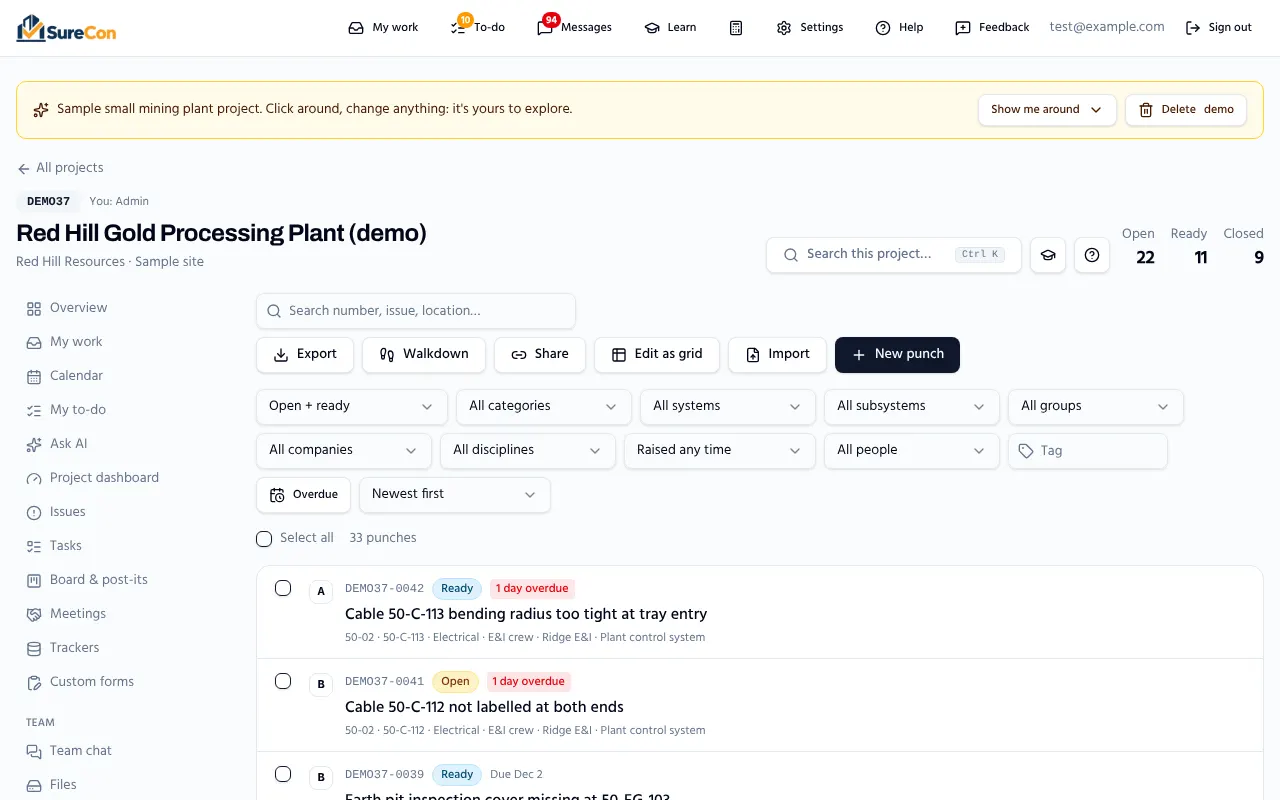
- 1
Raise
Punch list → New punch. Add photos, the subsystem, category, discipline (always needed), tag, group and responsible company. If the project uses it, you can also name a responsible person. Or tap Speak and say it: "Category A, electrical, missing gland on JB-104, Volt Electrical". If a similar open punch already exists, you'll see it before you save.
- 2
Fix
The responsible company (and person, where the project uses it) is emailed and sees the item in My work. Once it's fixed, tap Mark ready for verification and add photos of the fix; they're shown beside the issue photos. The person who raised it gets an email.
- 3
Verify
An inspector checks on site and taps Verify & close, or Reject (not fixed) with a comment. If it's rejected or later reopened, the company is emailed.
- 4
Track
Filter by subsystem, category, discipline, group, company, tag, overdue, or your own items (assigned to me, my company's, raised by me), and sort by due date. Each punch shows who it's waiting on, how long it's been open and how often it was sent back. The dashboard shows what still blocks each certificate.