
Field work
Run a walkdown
Inspect one subsystem and raise items quickly, with your choices remembered.
3 min Admins and inspectors.
- 1
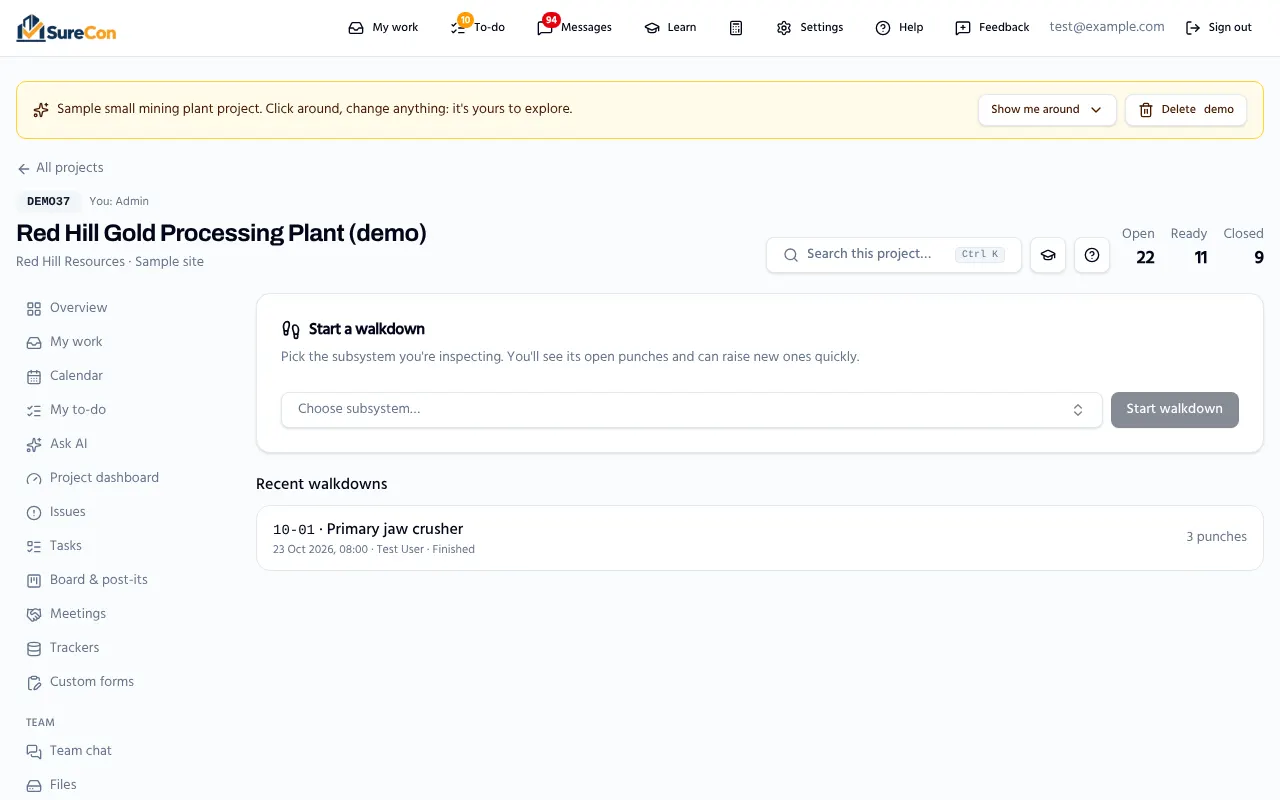
Start it
Punch list → Walkdown, then pick the subsystem.
- 2
Raise items as you go
Category, discipline and company are remembered between items, so each one takes seconds. The subsystem's other open items are listed for checking.
- 3
Finish
Tap Finish walkdown. Each company gets one email summarising their new items, instead of one per item.
- 4
Export it
Export walkdown gives a PDF report of the items raised, with photos, to send to the client.