
Start here
Set up your first project
From sign-up to your first punch item in about ten minutes.
- 1
Create your account and verify your email
Sign up with your work email, then open the link we email you. You can't sign in until the email is verified.
- 2
Name your company
The first screen asks for your company's name. Your projects and people live inside it, and you're its owner.
- 3
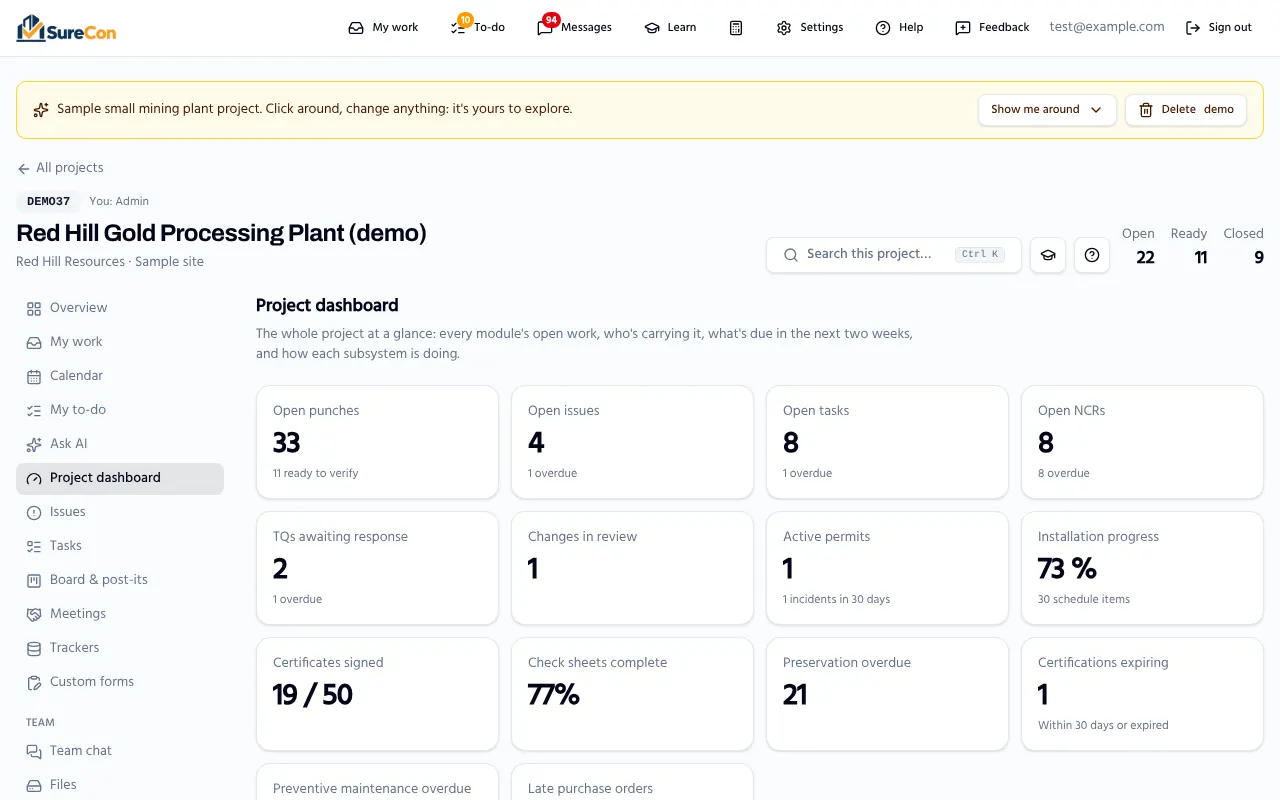
Explore the demo, or create your project
Explore a sample project gives you a filled-in project to click around: pick a small data centre, LNG plant, mining plant or pump station. When you're ready, Create project asks for a short code (e.g. NPS1), a name and how you rank punch items (A/B/C or 1–4).
- 4
Add systems and subsystems
In the project, open Setup → Systems. Add them one by one, or import them from a spreadsheet. Every punch item, tag and certificate belongs to a subsystem.
- 5
Add the companies
Setup → Companies: the client, contractors and subcontractors. Punch items are assigned to one of them.
- 6
Invite your team
Setup → People. Pick each person's role. Contractors also get their company, so they only see and act on their own items.
- 7
Raise your first punch item
Open the punch list and tap New punch. Add a photo, pick the subsystem, category and company, and save.