
Handover
Find what's been missed with Gaps
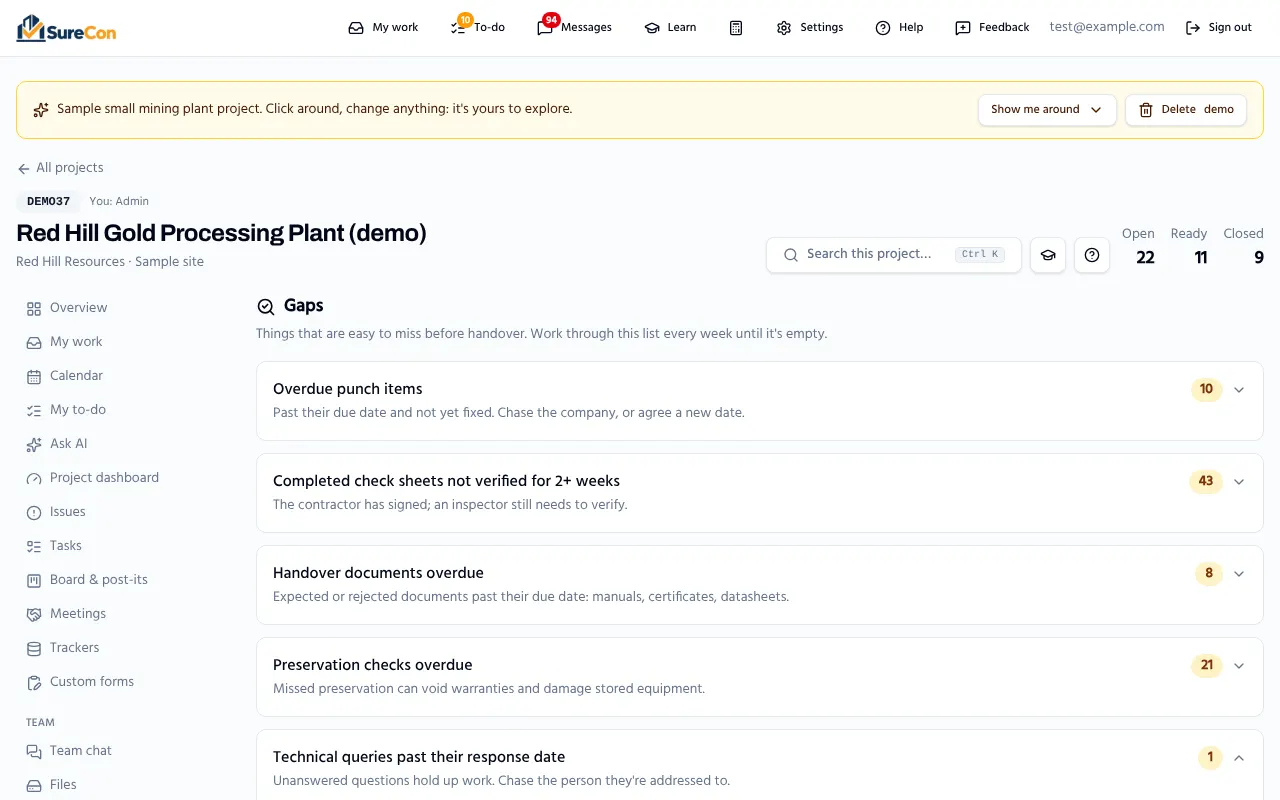
One list of everything easy to miss before handover: tags with no sheets, items with no owner, overdue documents and more.
- 1
Open Gaps
Reports → Gaps in the project menu. Each card is one kind of gap, with how many there are and why it matters.
- 2
Work through each card
Open a card to see the items, oldest first. Click one to go straight to the tag, punch item, query or register and fix it there.
- 3
What it checks
Tags with no check sheets; punch items with no company or no due date; overdue punch items; check sheets started but untouched for two weeks; completed sheets not verified for two weeks; overdue handover documents; overdue preservation; and technical queries past their response date.
- 4
Make it a weekly habit
Go through Gaps before the weekly completions meeting. The goal is an empty list before each milestone.