
Tools
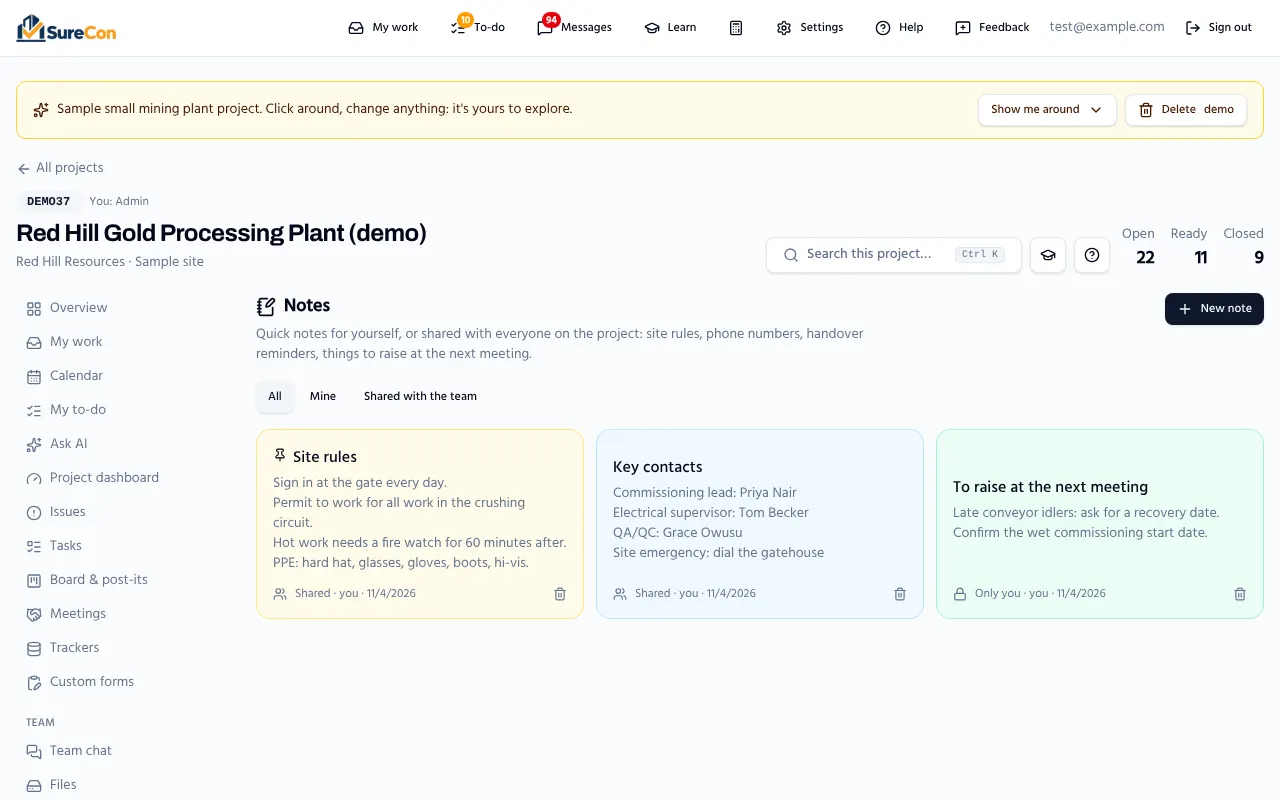
Keep notes for yourself or the team
Private notes, or shared ones everyone on the project can read.
2 min
- 1
Open Notes
Team → Notes in the project menu, then New note.
- 2
Write and colour it
Give it a title and pick a colour so it's easy to spot. Pin the ones you need every day.
- 3
Share it, or keep it private
Notes are private until you switch on Share with the team. Shared notes can be read by everyone on the project; only you can change them.