
Completions
Systemization: how to split a project into systems and subsystems
Completing and handing over by system instead of by area lets commissioning start sooner. A practical guide to drawing system boundaries, numbering subsystems and keeping the split useful.
· 6 min read
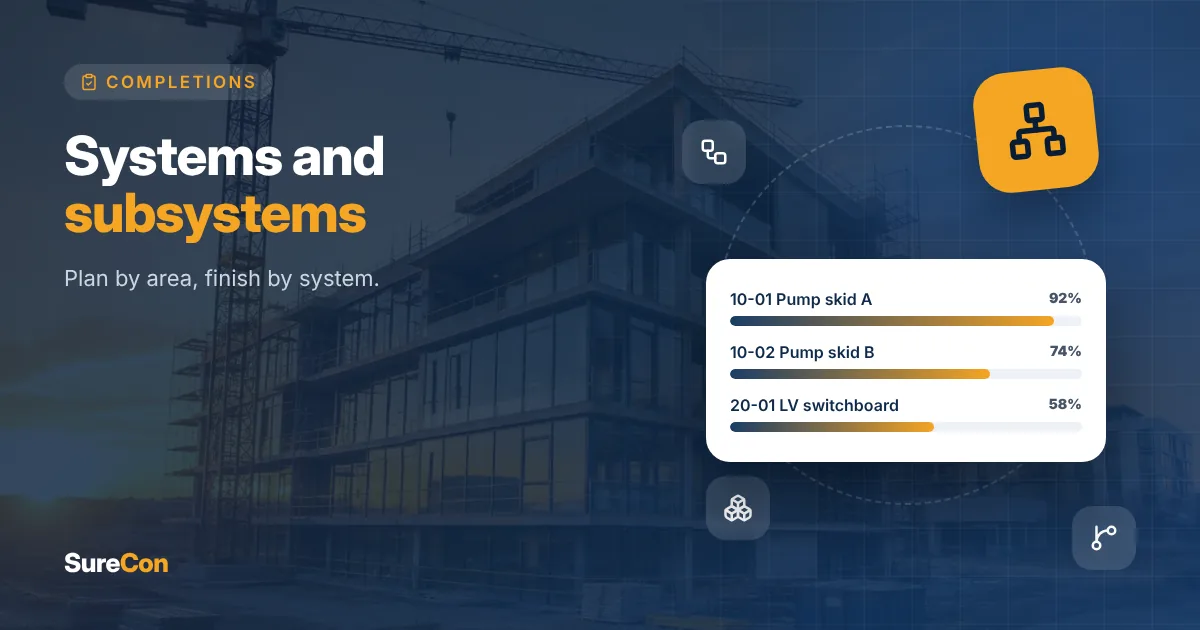
Construction is planned by area: the pipe rack, the substation, level 3. Commissioning and operations think in systems: raw water pumping, LV distribution, fire water. Systemization is the bridge between the two. It splits the facility into systems and subsystems that can each be completed, tested and handed over on their own.
Why it's worth the effort
- Commissioning can start on finished subsystems while construction carries on elsewhere.
- Every check sheet, punch item and certificate has one clear owner and one clear finish line.
- Progress reports answer the question operations actually asks: which systems can we have, and when?
- Handover happens in manageable pieces instead of one enormous dossier at the end.
Drawing the boundaries
A system is a group of equipment that performs one function: a cooling water loop, a 400 V switchboard and its feeders, a firewater ring main. A subsystem is the smallest piece that can be tested and energised or pressurised on its own. Mark them up on the P&IDs and single-line diagrams, then check each boundary: can this piece be isolated, tested and handed over without the one next to it?
- Follow isolation points: valves, breakers and blinds make natural boundaries.
- Keep utilities (power, air, water) early and small: everything else depends on them.
- Avoid subsystems that span two contractors where you can; they're hard to close.
- Aim for subsystems that take weeks, not months, to complete.
Numbering that lasts
Use a simple, sortable code: system number, then subsystem number, such as 10 and 10-01, 10-02. Put the codes on the drawings, in the tag register and on every punch item. Resist the urge to renumber halfway through the job: it breaks every report and every spreadsheet that refers to the old codes.
Linking tags to subsystems
Each tag belongs to exactly one subsystem. That single link is what lets check sheets, documents and punch items roll up into a certificate. Cables and lines that cross a boundary go with the subsystem that tests them; write that rule down once so everyone applies it the same way.
How SureCon helps
Add systems and subsystems in Setup, or import them from a spreadsheet, then import the tag register with a Subsystem column. From then on, every check sheet, punch item, NCR and certificate rolls up by subsystem, and the overview shows each subsystem's stage, from construction to accepted by the client.
Plan by area, finish by system.