
News
Your first week with SureCon: a simple rollout plan
A day-by-day plan to move a project's punch list and completions from spreadsheets to SureCon in one week, without disrupting the work on site.
· 5 min read
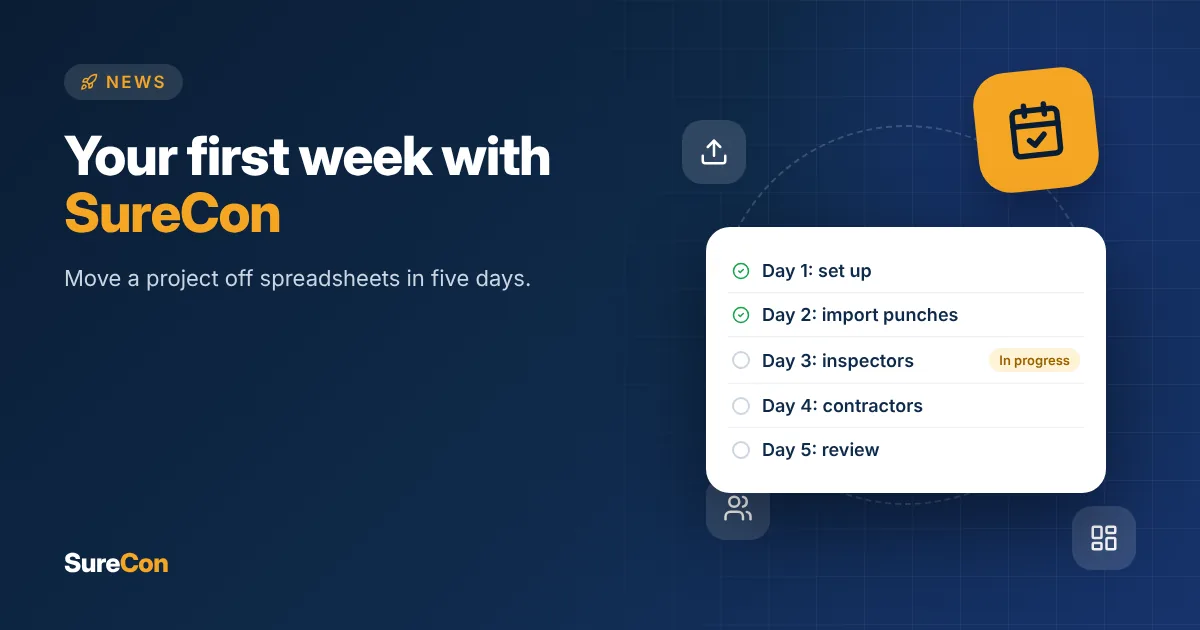
New tools fail on site when they arrive all at once. This plan moves one project to SureCon in a week, starting with the punch list, the thing everyone touches every day, and adding the rest once the team is comfortable.
Day 1: set up
Create your company and explore the demo project for half an hour. Then create the real project, add its systems and subsystems (import them from a spreadsheet), and add the companies: client, contractors and subcontractors.
Day 2: bring the punch list across
Import the current punch list from Excel. Check the subsystem codes and categories match, fix the few rows that don't, and run the import again. From today, new items are raised in SureCon only.
Day 3: invite the inspectors
Invite the inspectors and supervisors. Ask each to install SureCon on their phone and run one walkdown. Their first items, with photos, prove the workflow.
Day 4: invite the contractors
Invite each contractor's supervisor with the Contractor role and their company. They see only their items and mark them ready for verification. The inspector who raised each item gets an email when it's ready.
Day 5: review and expand
Review the dashboard together: open items by subsystem and company, overdue items, top-category items blocking completion. Then pick the next module, usually the tag register and check sheets.
Start with the punch list. Everything else follows.