
Tools
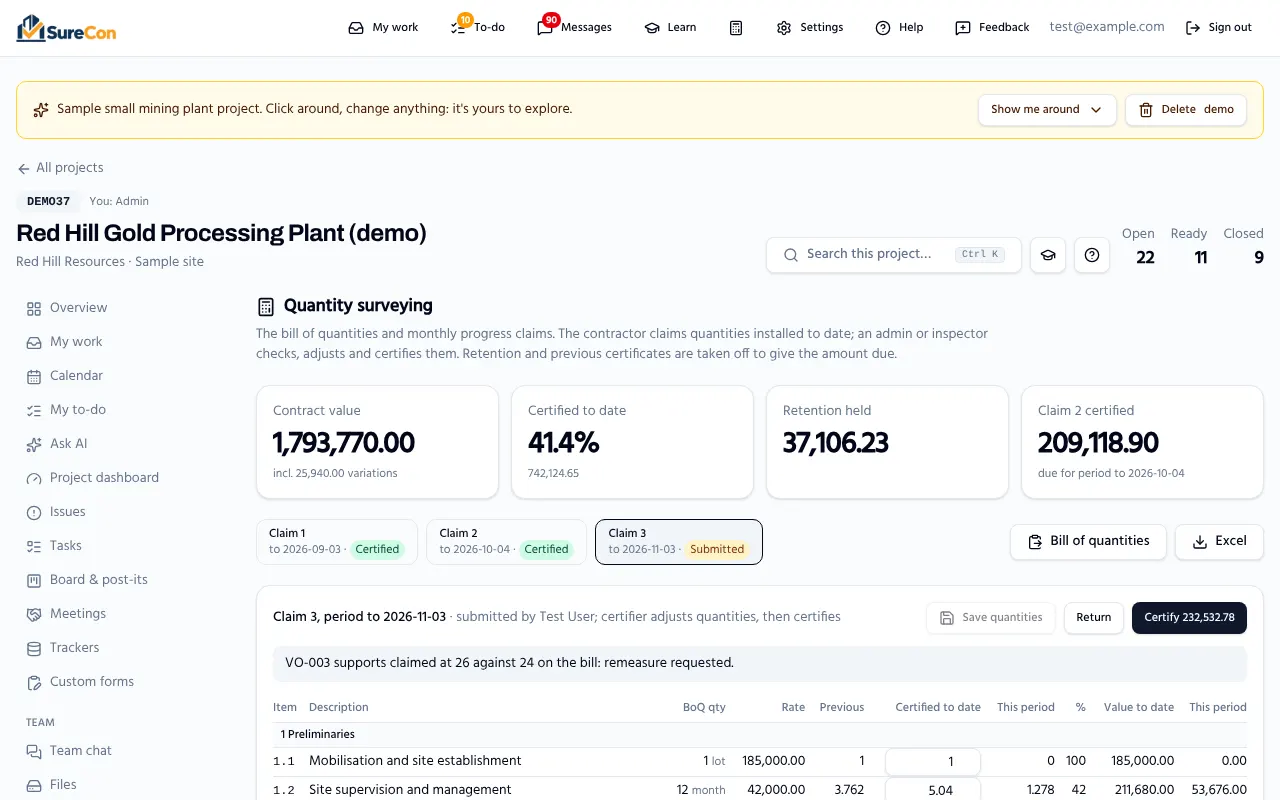
Run progress claims against the bill of quantities
Claim, check and certify quantities each period, with retention and variations.
- 1
Set up the bill
Quantity surveying → Bill of quantities and paste the BoQ: item number, section, description, unit, quantity, rate, and a variation reference for approved variations.
- 2
Start a claim
New claim sets the period end and retention. It starts from the last certified quantities, so only the progress needs updating.
- 3
Claim
Enter quantities installed to date and Submit claim. Quantities over the bill are flagged: they need a variation or a remeasure.
- 4
Certify
The admin or inspector measures, adjusts the certified quantities (the claimed figure stays visible) and certifies, or returns the claim with a reason.
- 5
Pay
Due this period is the gross value to date, less retention and less what was certified before. Export the valuation to Excel for the payment certificate.