
Tools
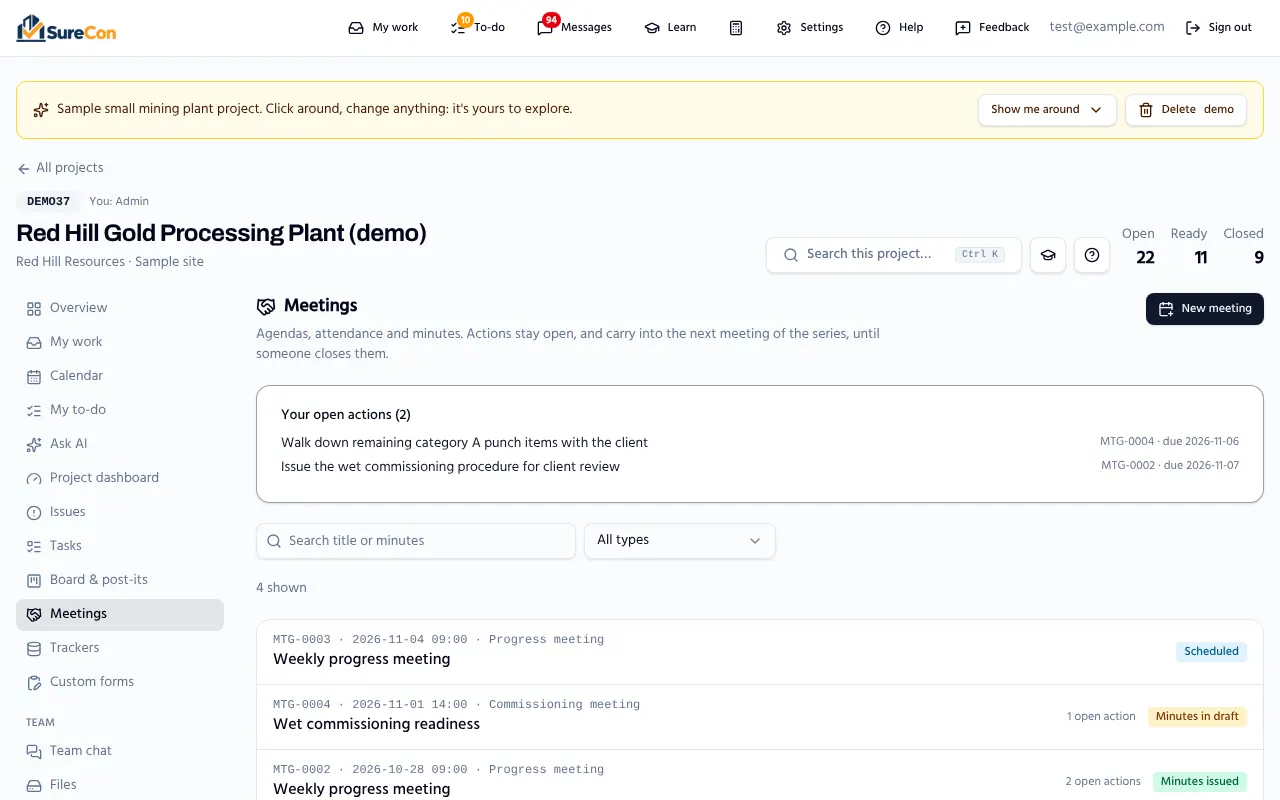
Run meetings and track actions
Agenda, attendance, minutes from your notes, and actions that don't get lost.
- 1
Schedule the meeting
Meetings → New meeting. Add the agenda and who's invited (one per line: Name, Company).
- 2
Take attendance
Tick who's there. Anyone not ticked is listed as sending apologies in the minutes.
- 3
Turn your notes into minutes
Type rough notes in Notes to minutes, then Turn notes into minutes. AI drafts discussion, decisions and actions with owners and dates; untick anything wrong and add the rest. Without AI, start lines with Action:, Decision: or Info:.
- 4
Issue the minutes
Issue minutes locks them and emails attendees with an account, each with their own actions. Minutes (PDF) gives you a copy to send.
- 5
Next meeting
Next meeting creates the next one in the series a week later, with the same attendees. Every open action carries forward until someone ticks it done.