
Tools
Undo mistakes and see who changed what
Undo buttons, Recently deleted and the activity log.
3 min
- 1
Undo straight away
After you delete something, or change a punch item's status, a message appears with an Undo button. It stays for about ten seconds.
- 2
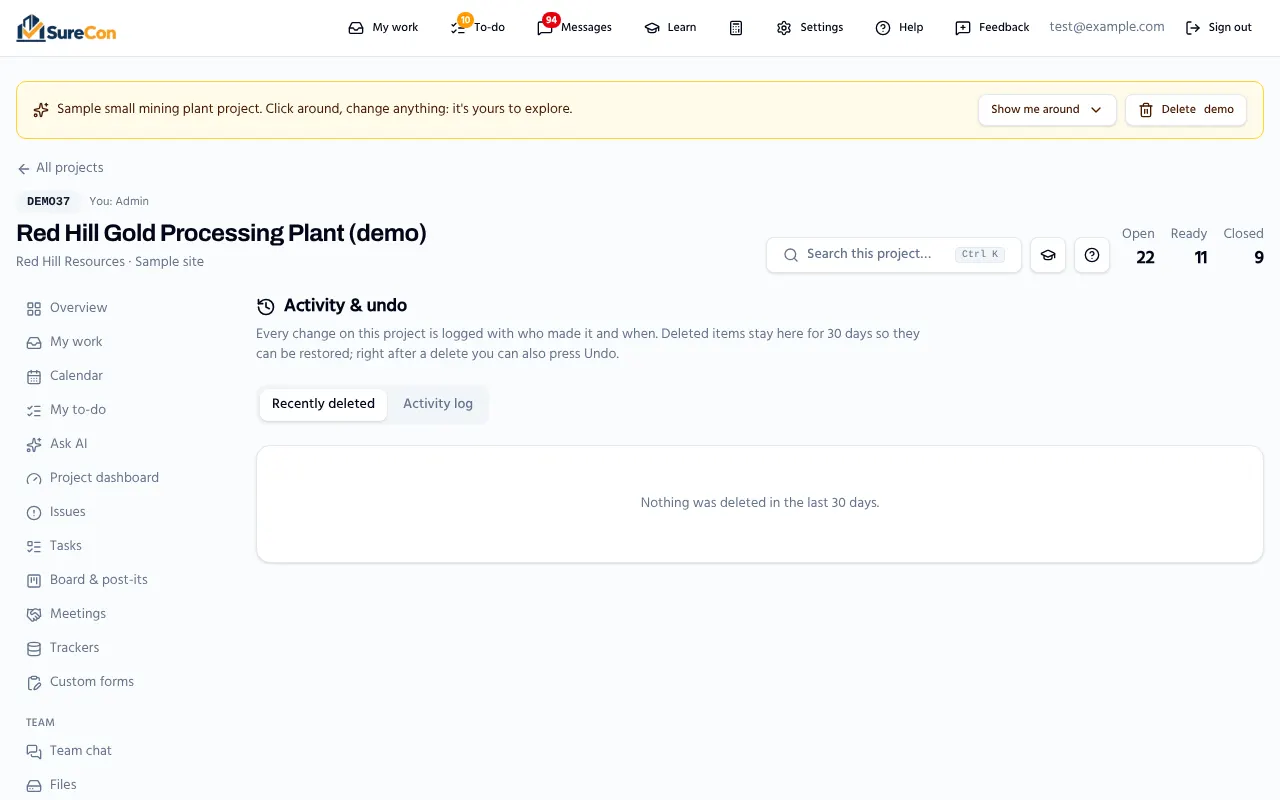
Restore later from Recently deleted
Project menu → Activity & undo → Recently deleted lists everything deleted in the last 30 days. Press Restore. Admins can restore anything; others can restore what they added.
- 3
Undo a punch status change
You can undo your own status change for 15 minutes, as long as nobody else has changed the punch since. The undo is recorded in the punch's history.
- 4
See who changed what
Project admins: Activity & undo → Activity log lists every change on the project with who made it and when. Company admins see every project from Team & access → Activity log.